Endless Neuro Bass in Ableton - Without Modulation Hell
21:32Watch on YouTube
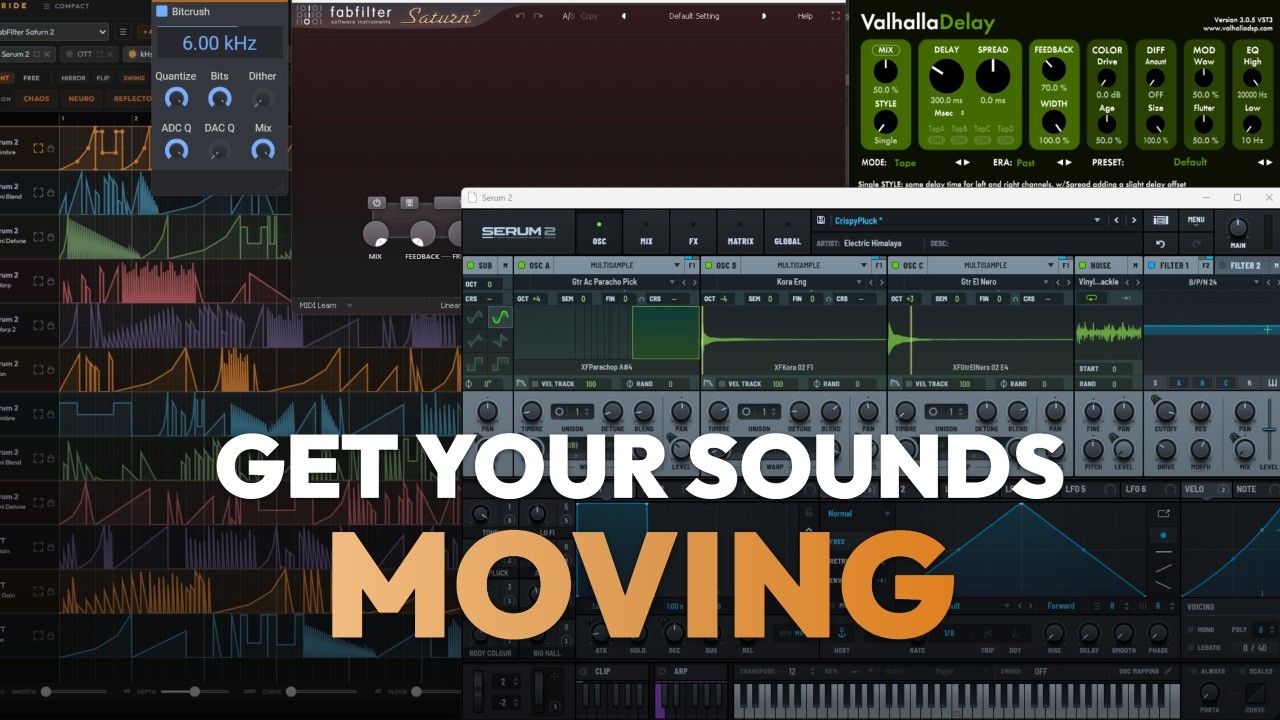
Stride + Phase Plant + Rift. Endless track-ready Neuro bass variations.
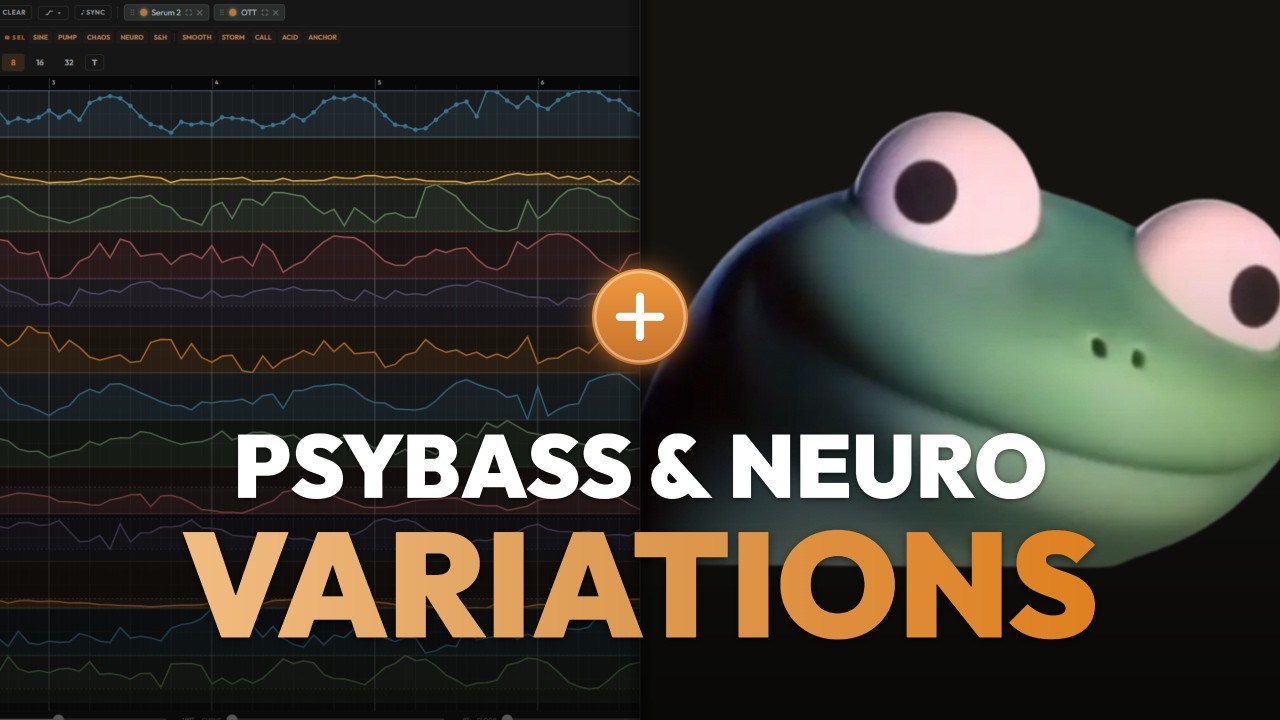
Designing PsyBass and Neuro movement usually means getting lost in modulation matrices. In this walkthrough, I load a basic patch into Stride, apply unique automation lanes in just one click, and generate massive movement instantly without touching a single LFO.
→ Get Stride: stridehub.io → Subscribe: youtube.com/@StrideEngine
TOOLS USED • Stride (Sound Design Engine for Ableton Live) → stridehub.io • PhasePlant • Rift
FOLLOW Instagram → instagram.com/stride_engine Web → stridehub.io
#Ableton #SoundDesign #Serum #NeuroBass
Transcript
801 wordsFrom the video's captions, lightly cleaned. Press a timestamp to play from there.
Okay guys, so this is going to be an experimental sound design session. The old man workflow is going to be working with Strum with the different instruments and let's see what we can get. Let's add the distortion. Add another one with saturator or something. Okay, so what I'm going to do is I'm going to let the feedback and tail of the signal to get into different kind of effects. So I'll take the release of the saw wave up all the way. I'll add a nice reverb after that. Sorry. Let's tweak it a little bit. And a nice OTT to catch all the tail.
Okay. So, now let's pick a preset from Rift. And the usual flow, let's automate the knobs. Let's map them. Let's duplicate Rift and pick another preset with the same parameters being automated. It's a delay return the end. Okay, now we can see here all the parameters of the two Rift devices. And let's just apply curves on all of them. I'll pick select all so I can commit automations on all the lanes. And then let's just press chaos. As you can see, it injects unique automation on each one of them. We can control actually the depth and the intensity of it. That's pretty neat.
Let's just take an one file straight into Ableton. And let's see what we get. Let's record it. I would like to add a little bit of beef to that. It just enhances the sub frequencies. Let's hear what we have. Let's try to pick different preset. What I'm doing is I'm just switching the preset and immediately pressing and I'm immediately pressing this button, which makes all the automation lines to their first state, so they are all start working again. Because when you switch preset, then all the parameters are like disabling the automation lines that they have.
But if you press it, then it brings them on once again. This is nice. Let's try to switch between them. And let's take reset from I don't know. Nice. Maybe let's try to apply different curves, but first we're dragging again to user library because I made changes in the rack. So, in order to try to detect the new rack, I need to drag it again to use the library. And now, as you can see template saved, we can replace the curves. Let's say pick something maybe a little bit more subtle like this kind of phase shifted sine waves.
Basically, I'm just getting a lot of audio chunks and then I can cut them and you know, make a whole track out of like 15 or 20 minutes session of sound design. I'll have plenty of material to work around. Let's again change the preset and get something new.
Mhm, now I want to try another thing. Let's put a delay after the reverb before the OTT. Basically, I want to add some groove to that. So basically what I do most of the time, I'm just tweaking. I have small tweaks in the beginning of the chain to have big impacts in the end of the chain. Like having a very big and manipulation and process makes each small tweak you do in the beginning of the chain having a huge difference like in terms of the outputs that you get.
So let me try another one. Let's drag that once again to user library. And let's go back to Stride. Let's have let's say I don't let's get wild like let's apply some chaos. And select all and this these are the curves that we have now. Let's see what we can get with that. Maybe something groovy or a little bit Mhm. Usually they have in rift here. Okay, let's try maybe some I don't maybe some resonate not resonators maybe some starters. Let's play. Okay, that's nice. Let's have some more variations from it. Let's turn the delay off and let's try with the vocal character.
Pretty useful. Pretty useful. Didn't even notice that the that the that the bends were automated. What the I just wanted to that's probably I touched them All right. I love that. That's nice. All right, we got some really nice audio chunks so far. Okay. I think that was pretty quick and we have really nice stuff to work with. Maybe I'll produce a track out of that. Let me know your thoughts, ideas in the comments, guys. I hope you get value from Stride and you're going to work with it and make it cool workflow because for me that's a massive game-changer.
Like the amount of versatility you can get from just one small MIDI note and few devices is actually infinite. And yeah, thank you so much.
More sessions
Somewhere in your setup
is a sound you haven't met.
24 hours, fully unlocked, on your own tracks. Then one purchase: $99.