The Ultimate Modulation Plugin - Walkthrough
5:25Watch on YouTube
Just make some nasty sound design real quick
Transcript
817 wordsFrom the video's captions, lightly cleaned. Press a timestamp to play from there.
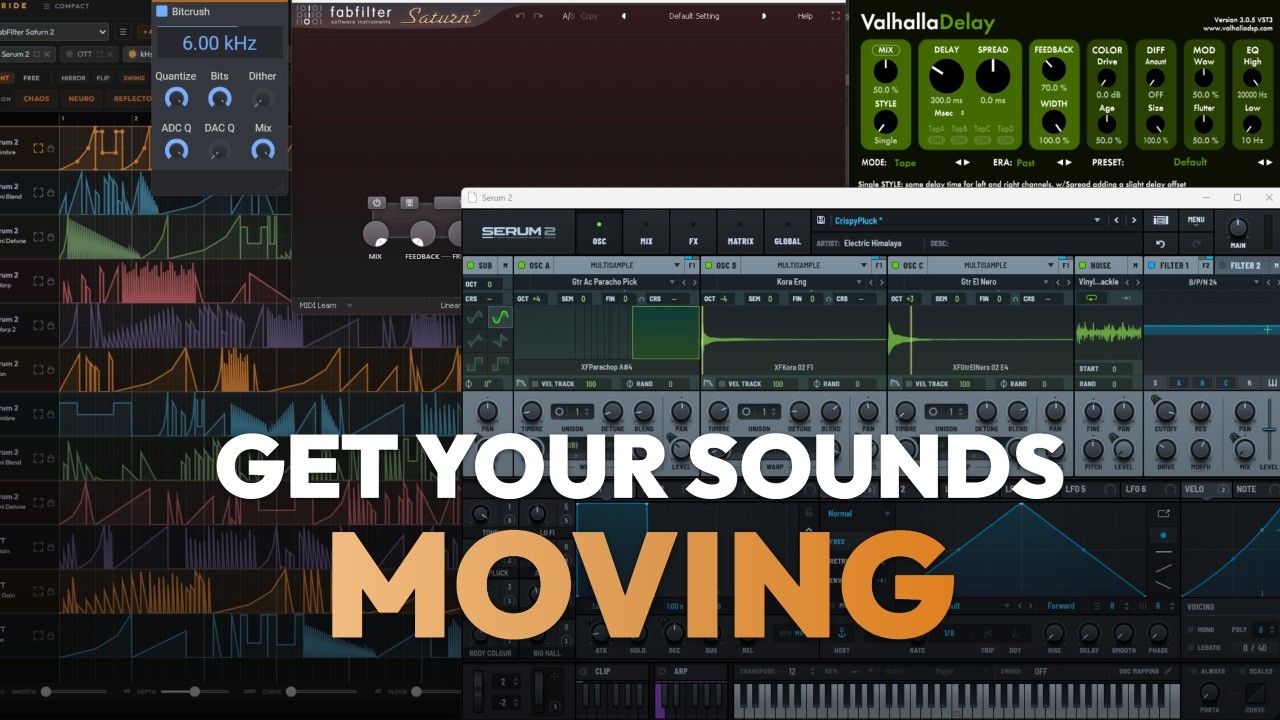
Hello and welcome to Stride. So, first thing you want to do, you want to add your favorite plugins from this button. It's already routed to your path where all your VSTs are living at. You just add a few and then you can find them right here in your favorites list. If you want to reorganize them, you can do it here. Change the order. Let's say I have already a Serum here and I want to map few parameters.
I'm pressing map and as you can see all the parameters are here already mapped in Stride. If I want to unmap, I can do it in both ways or I press here or I press unmap. We'll get to map live real soon. For now, we move forward. Key switch mode what that you can set an octave of few notes that will fire the motion buttons that we'll get them later. This button, what it's doing, it's opening all the devices in your chain. This one collapses all of them. This clears your chain. This one says if you want to send the automation straight to Ableton.
So, what you're going to do, you're going to send to DAW and then you're going to record the movement of the parameters so Ableton can print it as automation. You can play with the sync of Stride regardless of what is the BPM of the track. Transport means when the modulations are start firing. Here you can open the plugin. You have undo, you have redo. You can paint and let's for just some examples throw one of the motion buttons straight into the canvas.
So, as you can see, every time it save the same character of the reflector but generates a total new variation. Same for each one of the motions button. When you press sample and hold, you can pick the groove if you want it polyrhythmic or whatever. Noise is more for like choppiness. And chaos is more for randomly soft and subtle movement between everything. You can select all and mutate the curves. You can shuffle between their order. And that's how you can just have endless variations from your instruments. You can set the amount of bars you want the modulation, so it's basically endless.
And you can save your motions for later, so you can use them in here. Also, you have here this section where you can pick a motion for one parameter only. You can select all here. You can lock a lens if you like their movement. And let's dive to these settings here on the parameter itself. This setting means how fast the lane is going to run compared to the other lanes. This is the range, so whenever I'll hit another motion, the whole output will stay in this range.
Here you can get focus on the specific parameter. And here is how you lock it. You can also link between two parameters, so every time they will have the same motion exactly, and it's considering the range that you set for each one of them. You can change colors if you want. You can flip, you can mirror the lanes, and you have endless possibilities in your modulations. You have the sliders here where you can control the depth.
You can control the curves, floor or the ceiling of all of them together or for each one of them. Here you have another view where you can see the knobs. Here you can bring this little friend right here. So, it helps you find where your parameter is at. You have here two layout options if you want it to stick to the right or to the bottom of the screen. You always can see the guide here with everything. And now let's dive into how to modulate the Ableton racks. So, with your download you get StrideBridge and you throw StrideBridge on the track of Stride.
And from here what's going to happen you use the same workflow exactly same with the VSTs that you host in Stride. But now you're going to use the map live button. As you can see the parameters are added as well into Stride. And now you can have modulations of on them as well. You can also send audio input into Stride if you want to route your hardware synth, your vocals, your guitar. You just need to make sure you have no synthesizer or any instrument that is not an effect.
You can build your effect chain, but you must make sure that Serum is off, let's say. And after that you'll have your Saturn whatever. You can even delete that. And you create your audio track and you just send the audio to the Stride channel and that's it. Enjoy and have a great time with it. And send over what you've got.
More sessions


Somewhere in your setup
is a sound you haven't met.
24 hours, fully unlocked, on your own tracks. Then one purchase: $99.